
LeafyApp

⌥A на любом слове на экране.
Читает предложение, а не одно слово.

Скачать

macOS 14+, полностью бесплатно

Присоединяйтесь к другим читателям

Пока вы читаете

She had read the word a hundred times before, but only now, by the river at dawn, did it truly land:
the water was effervescent , and for a moment the whole current seemed to lift and breathe, each ripple catching the first pale light and breaking it into a thousand small bubbles of gold that rose, trembled, and were gone before she could name them. She read the sentence again, slower this time, mouthing the word to feel its shape, and something about the morning, the cold air, the moving water, the hush over everything, made it stay with her for good.

Три клавиши, и оно твоё.

Нажми ⌥A Где угодно, в любом приложении. Курсор превращается в рамку.

Обведи слово Протяни по чему угодно на экране. Текст или картинка, без разницы.

Прочитай Значение появляется под словом, в предложении, где ты его встретил.

Страницы, которые никто другой не может выделить.

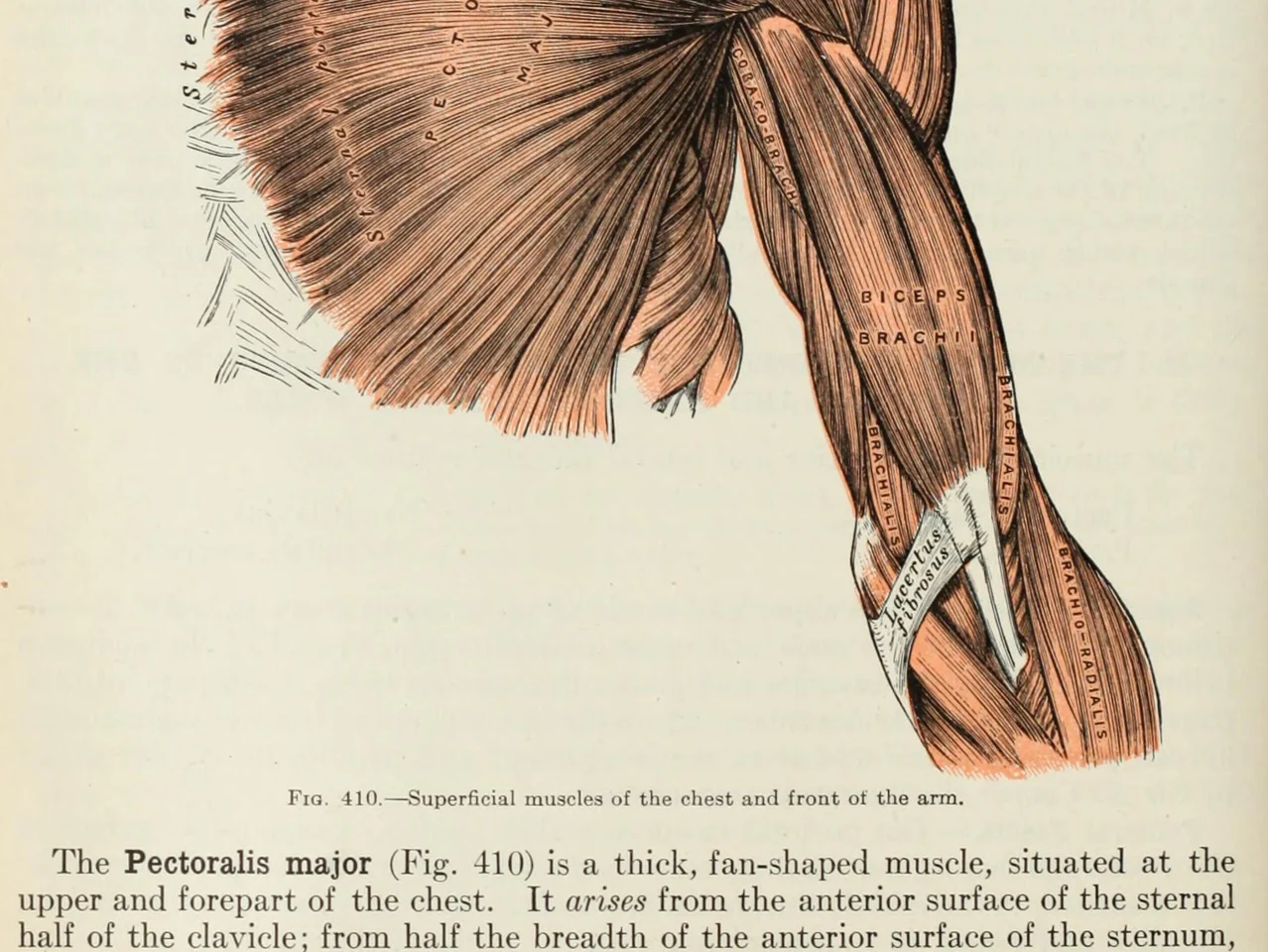
An anatomy plate of the muscles of the arm, each one labelled inside the drawing

Слова внутри картинок. Диаграммы, подписанные рисунки, субтитры, скриншот, который прислал друг. Если вы можете это прочитать, LeafyApp тоже.

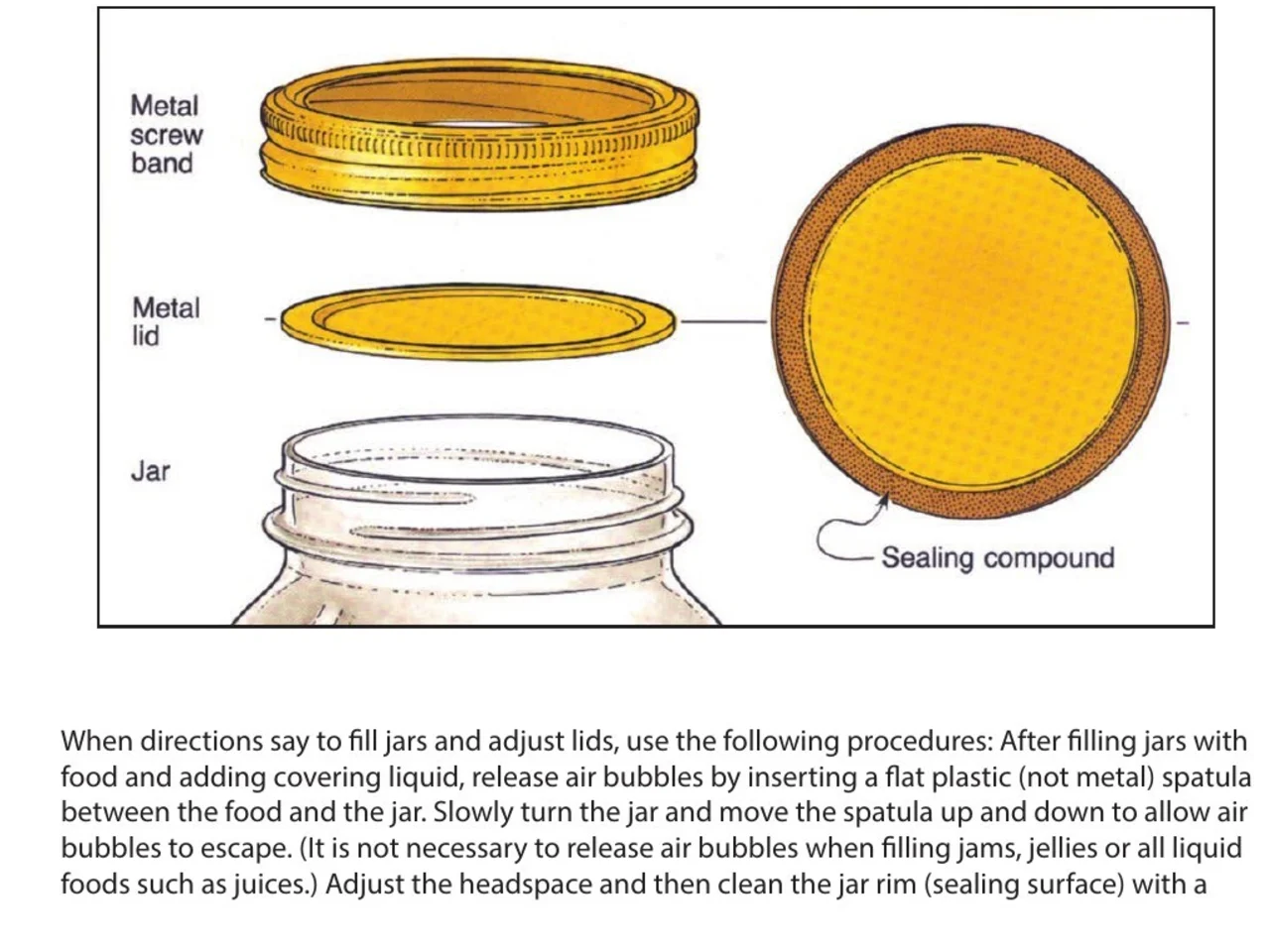
A step-by-step diagram of a canning jar, its screw band, lid and sealing compound each named beside it

Инструкции и мануалы. Название детали рядом с её рисунком в PDF, который никто не сделал выделяемым. Обведите название, выпишите шаг, к которому оно относится.

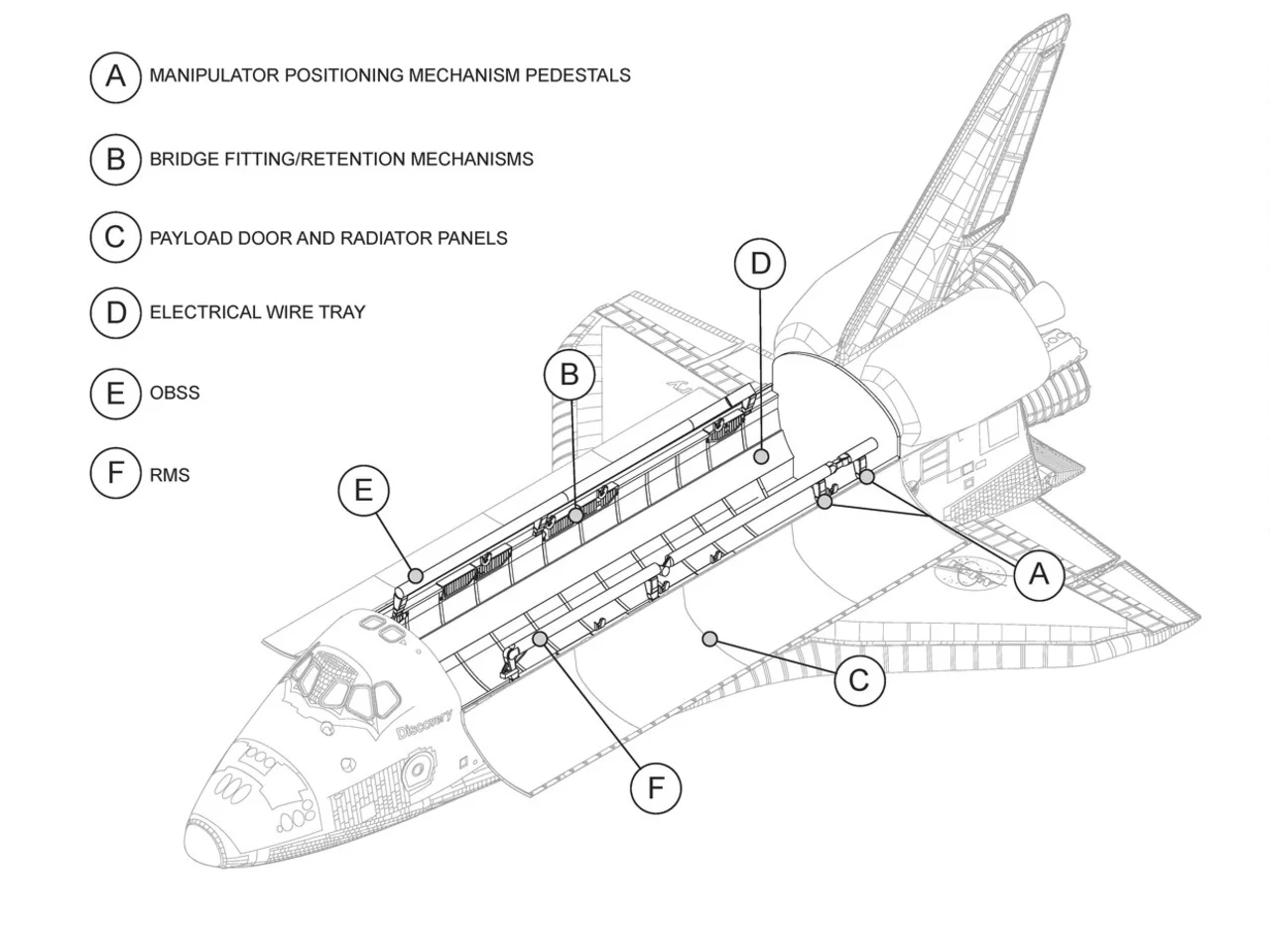
An engineering drawing of the Space Shuttle payload bay, its parts keyed A to F to a legend beside the drawing

Чертежи и планы. Каждая деталь подписана выносной линией, ничего из этого не текст. Обведите подпись и прочитайте, что она означает.

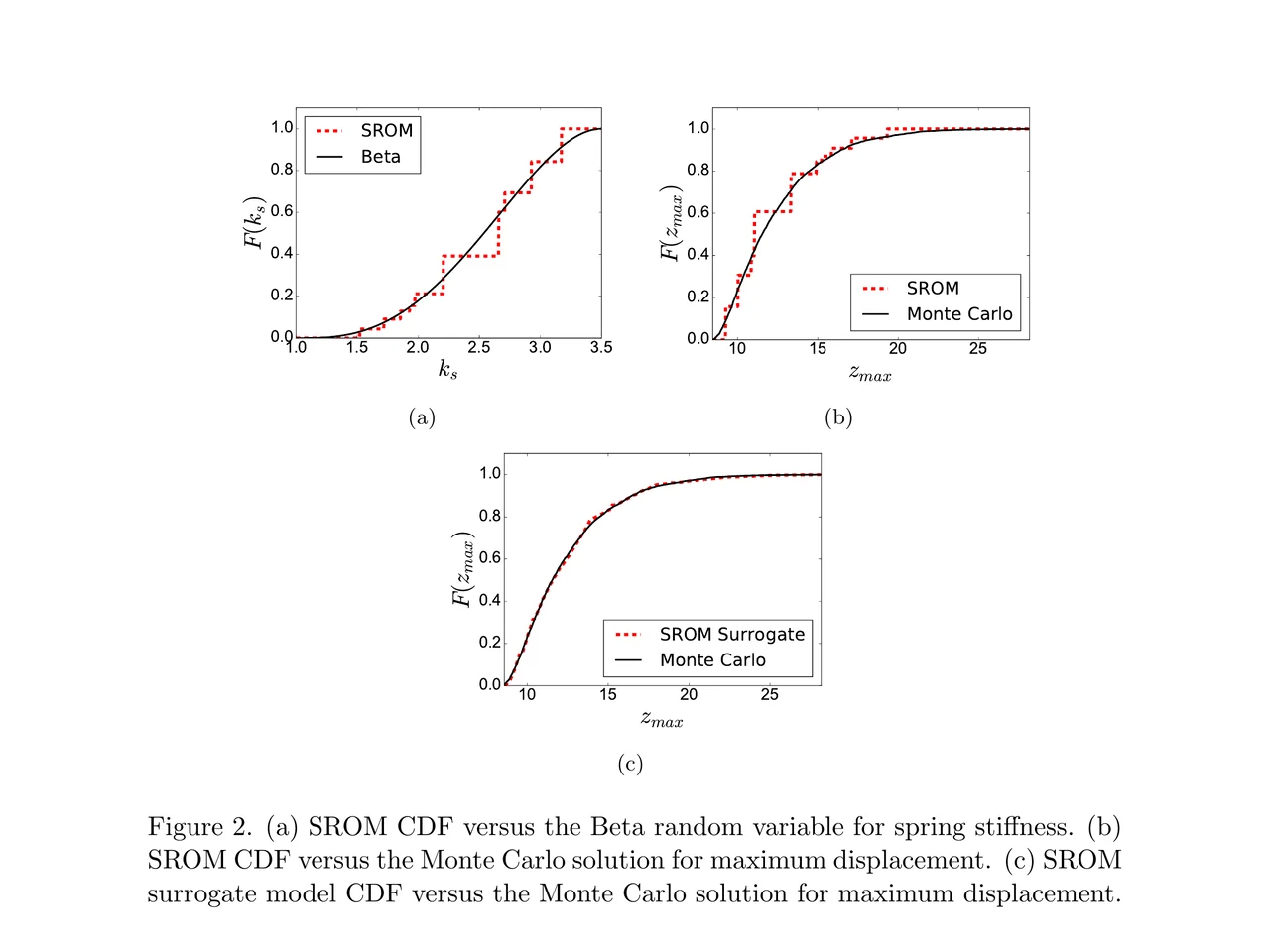
A page of a NASA technical memorandum: three plots and the figure caption under them

Статьи и их иллюстрации. Подпись оси, легенда, термин в подписи. Обведите любое из этого там, где оно лежит, не покидая страницу.

Перетащи в папку.
Напиши свою заметку.

Папки Перетаскивай слова в язык, курс, книгу. У каждой папки свой счётчик.

Откуда оно У каждого слова есть предложение, источник и день, когда ты его нашёл.

Значение из предложения Не словарная статья под этим словом. То значение, которое оно несёт в строке, где ты его нашёл.

В предложении, где ты его встретил Слово возвращается в той строке, из которой ты его сохранил, с одним пропуском. Не голая карточка.

Расписание за тебя FSRS-5, алгоритм, на который перешёл Anki. Интервалы от часа до десяти лет.

Ничего настраивать не надо Каждое слово, которое ты смотрел, уже там. Колоду заранее собирать не нужно.

Что говорят люди

“I have probably cried closer to a quarter as many times in a week.”

pandaprincessТретий курс медицинского · Product Hunt

INSANELY responsive developer!! Will expand on this in the points below, since the features I LOVE tie into how responsive the developer is.

I'm currently a medical student who has started clinical rotations, so it is not only learning a lot of names of conditions, drugs and therapeutics on the fly. All of the drugs have both a brand name and a generic name, and on top of that every professional who uses the electronic medical record to write their notes uses abbreviations for the conditions, drugs and procedures.

Through mostly a variety of brainstorming / whining sessions (on my part):

I mentioned that having Leafy reference MY personal list of words and phrases first when scanning would be incredible, since medical abbreviations can mean other things in other contexts (example: SOB should be “shortness of breath”, not “son of a…” anyway). I think within 5 days the next update included that feature.

I mentioned the new feature was working perfectly, but that it might take me a while to build my vocab list in Leafy, and that there was no easy way to import everything I already had in my Anki deck (Anki is the flashcard app most med students rely on). Now the current version has an Anki integration, so with the settings adjusted, scanned words reference YOUR vocab list and/or YOUR Anki deck first, and if you don't have a card for it YOU CAN ADD IT DIRECTLY TO ANKI FROM WITHIN LEAFY.

The fact that this all happens inside the Leafy popup has made reading other providers' notes on the EMR SO much less stressful. Being able to translate a summary statement like “78M hx HTN, HLD, CAD s/p CABG and multiple PCIs, CKD3 transferred from OSH after 2 episodes of right sided vision loss and imaging demonstrating severe stenosis of L ICA” without leaving the screen is SUCH A GAME CHANGER.

I actually cannot rave enough about this app. The 3rd year of medical school is known to induce a good amount of crying from students, just from the sheer volume of information you need to process while studying and while helping care for patients. I have probably cried closer to a quarter as many times in a week, just from the time and frustration saved having an easier time referencing the terms I need, and it is making it 1000x faster for me to actually learn them.

Automatically saved with its surrounding context.

This is super cool! It is so nice that it quizzes you directly on the text you were reading instead of forcing you to build custom study lists.

Being able to scan a word anywhere on my screen and have it automatically saved with its surrounding context makes reviewing my study materials so much faster. I can already tell this will make tackling heavy reading assignments a lot less tedious.

AlawayProduct Hunt

The cleanest macOS app I have ever used.

Leafy saves the words and the contexts while I look up words reading papers, so I can review them later.

The context save is so smart. That is the key to making the word list alive. The AI responses are really fast and give the meaning in context, so I understand immediately. It is best for building a personal word list and reviewing later.

linryicProduct Hunt

It solves this gap brilliantly.

I was in search of a solution out of sheer desperation after constantly running into the limits of macOS’s built-in dictionary, which falls short across many third-party and proprietary applications. That is how I found Leafy.

Leafy’s interface is surprisingly intuitive and straightforward. It runs smoothly even on my older Apple M2 chip and clearly receives ongoing care, supported by a developer that resolves issues quickly.

The application integrates seamlessly with my workflow across a variety of apps, including Anki, Obsidian, Apple Books, Arc, and Discord. I especially appreciate that saved words retain their original context, which significantly boosts retention.

As a feature request for future updates, it would be incredible to have the ability to import custom dictionary files so we can rely on local data sources.

MaxDiscord

Сколько это стоит

Каждый запрос запускает ИИ. Кто-то за него платит.

Бесплатно

$0/мес

Немного сканирования. За ИИ платим мы.

  • 12 запросов в день
  • История и статистика за 7 дней
  • Экспорт в CSV

Скачать LeafyApp

Помесячно

$6.99/мес

Сканируйте сколько угодно. За ИИ платим мы.

  • Безлимитный поиск и перевод
  • Вся история и статистика
  • Экспорт ещё и в Anki, Excel, JSON и PDF

Подробнее о подписке

Годовая подписка

$5/мес

$59.99 в год. Экономия 29% против помесячной.

  • Безлимитный поиск и перевод
  • Вся история и статистика
  • Экспорт ещё и в Anki, Excel, JSON и PDF
  • Два месяца бесплатно против помесячной

Годовая подписка

Хотите скидку?

3,49 $ в месяц или 29,99 $ в год, навсегда.

Зайти в Discord

Вопросы

Где работает?
  • Везде на экране
  • PDF
  • Электронные книги
  • Сканы страниц
  • Изображения
  • Веб-страницы
  • Видео
  • Субтитры
  • Панель PopClip
Какие языки?
  • Арабский
  • Английский
  • Французский
  • Немецкий
  • Греческий
  • Итальянский
  • Японский
  • Китайский упрощённый
  • Испанский
  • Тайский
  • Вьетнамский
Импорт и экспорт?
Откуда берутся значения?

Модель читает слово вместе с предложением, в котором вы его сохранили, поэтому вы получаете значение именно в этом контексте, а не все словарные значения подряд. LeafyApp использует DeepSeek. ИИ иногда ошибается, поэтому исходное предложение всегда остаётся рядом со значением.

Что именно покидает мой Mac?

Слово и предложение вокруг него. Больше ничего. Снимок экрана нужен только чтобы вытащить буквы, после чего он выбрасывается: не сохраняется на диск и не отправляется. Аккаунта нет, поэтому то, что уходит, ни к чьему имени не привязано.

Работает ли это со сканами PDF?

Да. LeafyApp распознаёт текст (OCR) в выделенной области, поэтому скан, скриншот, субтитры или фотография страницы работают так же, как выделяемый текст. Распознавание идёт на вашем Mac, а не на сервере.

LeafyApp всё время смотрит на мой экран?

Нет. Только в момент нажатия сочетания клавиш и только на выделенную вами область. В фоне ничего не работает, снимок экрана не сохраняется и не отправляется.

А приватность?
  • Смотрит на экран только когда вы нажимаете сочетание клавиш
  • Снимок экрана не сохраняется и не отправляется
  • Наружу уходят только слово и его предложение
  • Ваша библиотека остаётся на этом Mac
  • Без аккаунта, без рекламы
  • Статистику использования можно отключить
  • Читать политику конфиденциальности